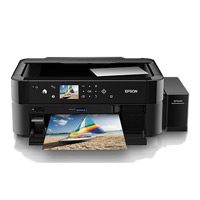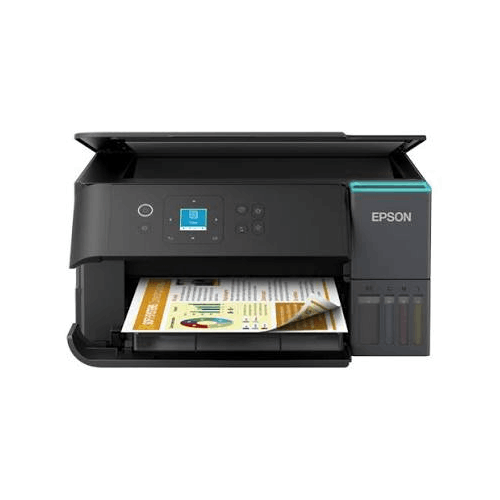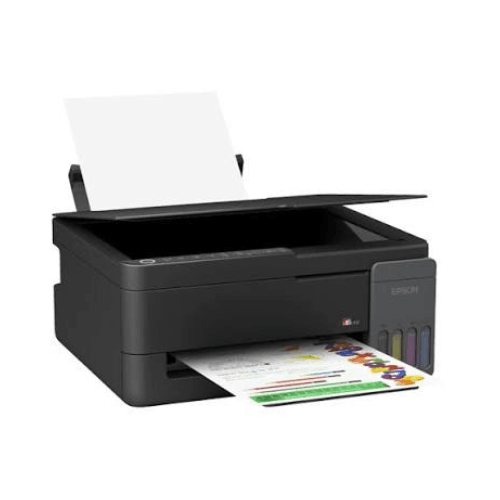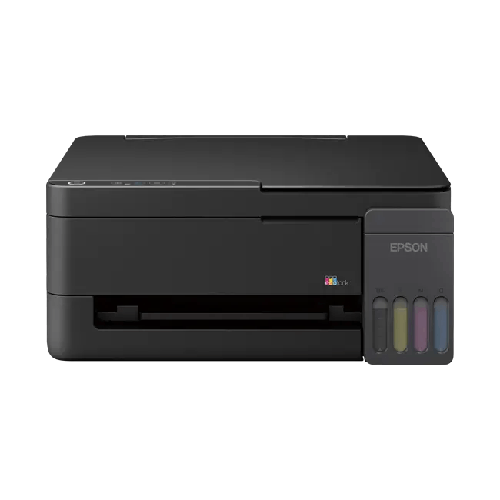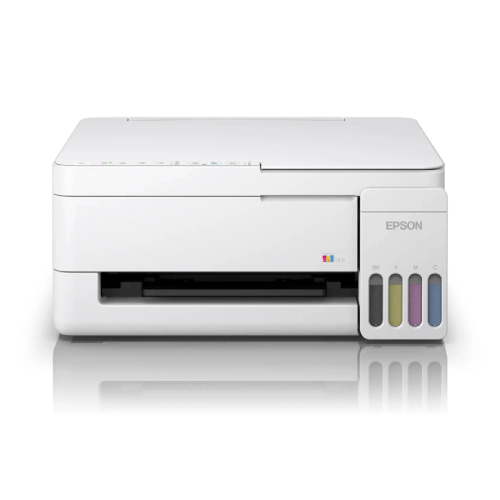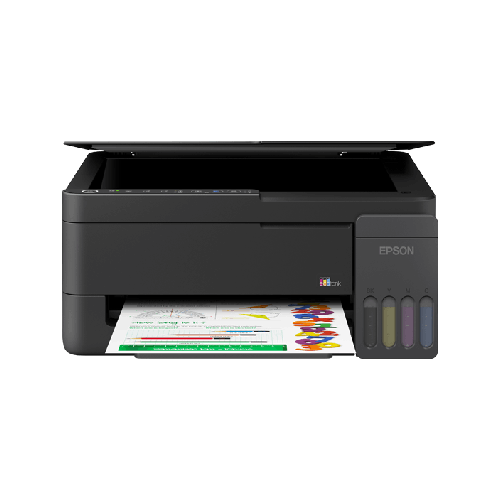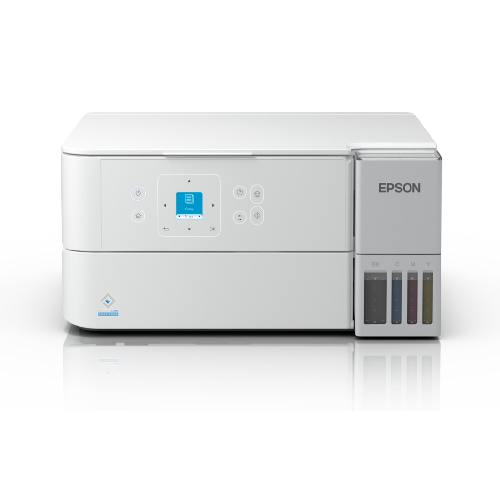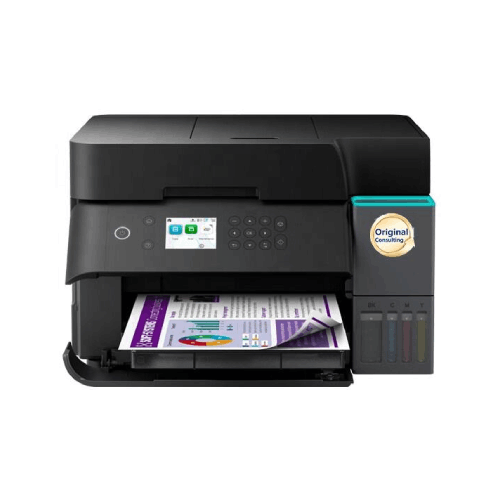

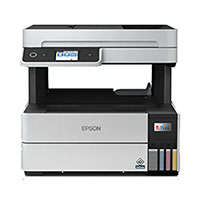
Epson WorkForce Enterprise WF-C21000 Color Multifunction Printer
Regular Price:৳0.00Availability: SKU: 1.3.8.9075
Quick Overview
-
Support
Saturday – Thursday: 09 AM - 06 PM. -
Payment
Cash on Delivery | Card | Online Payment -
Shipping Cost
Inside Dhaka 200tk | Outside Dhaka 350tk -
Warranty Policy
Read More
Description
Epson WorkForce Enterprise WF-C21000 Color Multifunction Printer in Bangladesh
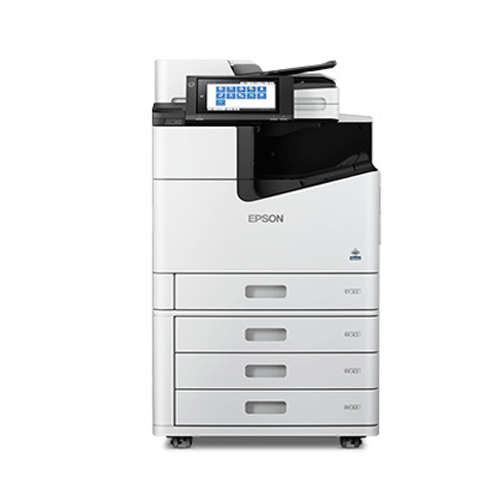
The Epson WorkForce Enterprise WF-C21000 Color Multifunction Printer is a flagship‑class business inkjet device designed for organisations that require extremely high productivity, robust duty cycles, and outstanding colour quality. It brings enterprise‑level performance to Bangladeshi corporates, banks, universities, NGOs, BPOs, and government bodies that need a central print, copy, and scan hub for heavy workloads.
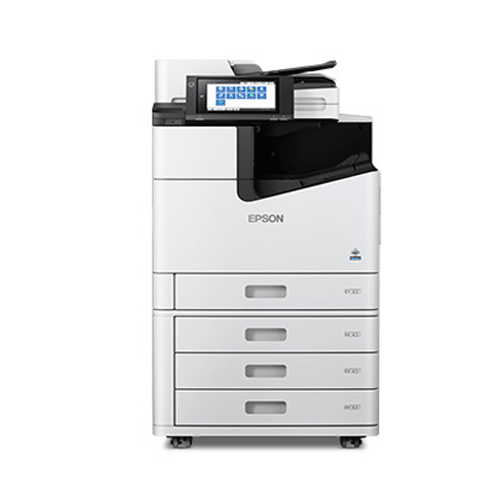
Unlike small office printers, the WF‑C21000 is a floor‑standing, modular MFP: it can be configured with additional paper trays, high‑capacity feeders, finishers, and other options (where available) to match your environment. It is designed to sit in your print room, IT centre, or departmental hub and serve dozens or even hundreds of users.
Epson’s WorkForce Enterprise series uses advanced business inkjet line‑head technology (rather than traditional laser), delivering:
- Very fast colour and mono output.
- Consistent, sharp results.
- Significantly lower energy use compared to many equivalent laser copiers (according to Epson’s positioning).
For large organisations in Bangladesh that want to modernise from aging laser copiers to more efficient technology without sacrificing speed, the WF‑C21000 is a compelling option.
Engineered for Very High Monthly Volumes
The Epson WF‑C21000 is designed for high‑volume enterprise printing. While exact duty cycle numbers and speeds must be taken from official Epson documentation, this class of machine is typically deployed where:
- Tens of thousands of pages are printed and copied every month.
- Multiple departments share a single device for all their work.
- Peak periods (month‑end, quarter‑end, admission season, tender deadlines) generate intense print bursts.
In Bangladesh, this makes the WF‑C21000 ideal for:
- Head offices of banks and NBFIs in Motijheel, Gulshan, and Karwan Bazar.
- Telecom headquarters and large corporate campuses.
- Public universities and private universities with large administration and exam sections.
- Government directorates and project offices managing nationwide programs.
- NGO and donor‑funded programmes with large reporting and documentation needs.
Instead of relying on several small printers scattered around the office, centralising heavy workloads on a machine like the WF‑C21000 improves control, supervision, and cost tracking.
Color Multifunction – Print, Copy, Scan in One Enterprise Device
The WF‑C21000 is a complete multifunction printer (MFP), providing:
- High-speed color and mono printing for day‑to‑day documents and high‑impact communication.
- Copying with reduction, enlargement, and other common office copy functions.
- Scanning to network folders, email, or document management systems (feature set varies by configuration and software environment).
For Bangladeshi organisations moving towards hybrid paper-digital workflows, the scan function is just as important as print:
- Convert legacy paper files to digital archives.
- Scan and distribute circulars, approvals, and meeting minutes electronically.
- Enable remote staff to receive documents without physical copies.
A powerful central MFP like the WF‑C21000 becomes the heart of your document ecosystem, not just a printer.
Business Inkjet Line-Head Technology – An Alternative to Laser
The Epson WorkForce Enterprise platform uses business inkjet line‑head technology instead of conventional laser printing. A stationary printhead spans the width of the page, enabling:
- High-speed output, as the paper moves quickly under the fixed head.
- Consistent drop placement for sharp text and smooth colour gradients.
Key advantages for Bangladeshi offices:
- No fuser heating element as in laser devices, which can significantly reduce electricity consumption compared to many traditional copiers.
- Less heat generated in the print room, easing the load on air‑conditioning—crucial in Dhaka offices managing power carefully.
- Fewer typical laser consumables like drums and fusers, simplifying service and maintenance planning.
For organisations looking at Total Cost of Ownership (TCO) over several years, these differences can be substantial—especially when multiplied across multiple branches or departments.
Professional Colour Quality for Critical Business Documents
The WF‑C21000 produces professional‑grade colour documents suitable for:
- Management reports with complex charts and infographics.
- Sales and marketing collateral such as brochures, flyers, banners (within its paper size capability).
- HR and training materials with diagrams and images.
- Tender documents, proposals, and presentations used with local and international partners.
In Bangladesh’s competitive environment—whether you are a bank presenting to the central bank, a telecom pitching campaigns, or an NGO delivering reports to donors—sharp, accurate colour helps communicate clearly and build trust.
With Epson’s pigment‑based business inks (model‑specific), prints are typically designed to offer:
- Crisp black text.
- Vivid colours that remain legible and impactful.
- Good durability for typical office use.
Flexible Paper Handling for Departmental Needs
As an enterprise device, the WF‑C21000 can usually be configured with:
- Multiple paper trays for different sizes and types (e.g., A4 everyday paper, A3 reports, letterhead, pre‑printed forms).
- High‑capacity feeders for long, uninterrupted print runs.
- Optional finishing units such as staplers or sorters (depending on model and configuration).
This flexibility is crucial in Bangladeshi organisations where:
- The same device prints bills, statements, letters, and internal reports.
- Different teams require different media: heavier stock for covers, lighter stock for mass communication.
- There is a need to reduce manual collation and stapling of documents.
A correctly configured WF‑C21000 reduces staff time spent manually managing printouts and improves overall document handling efficiency.
Network Integration and Security (Environment-Dependent)
The WF‑C21000 is designed to integrate into corporate and institutional networks. Main benefits include:
- Shared access via Ethernet or other network interfaces.
- Compatibility with standard print protocols and server environments (consult official documentation).
- Support for user authentication, job tracking, and access control (with appropriate software/solutions).
Information security is increasingly important in Bangladesh, especially for:
- Banks and financial institutions required to protect customer data.
- Government and regulatory bodies dealing with confidential documents.
- NGOs and corporates handling sensitive HR and legal information.
Combined with print management software (from Epson or third-party providers), the WF‑C21000 can form part of a secure, auditable print environment.
Energy and Environmental Benefits for CSR-Focused Organisations
A key selling point of Epson WorkForce Enterprise devices is their potentially lower energy usage compared to many equivalent laser-based copiers. For organisations in Bangladesh, this can contribute to:
- Controlling electricity costs in large offices and campuses.
- Reducing strain on backup generators and UPS systems during load‑shedding.
- Supporting CSR and sustainability commitments, especially for banks, telecoms, and multinationals.
Additionally, fewer heat‑generating components mean a generally cooler print room, improving comfort and possibly reducing air‑conditioning load.
Reliable Uptime and Serviceability
Enterprise‑class MFPs like the WF‑C21000 are designed for high availability:
- Robust components intended for continuous operation.
- Serviceable parts and maintenance routines that qualified technicians can handle.
- Monitoring and diagnostic features to help anticipate problems early (environment‑dependent).
For Bangladeshi organisations where downtime is costly—such as banks during month‑end processing or universities during admission and exams—choosing a device like WF‑C21000 paired with a capable local partner like BME reduces risk.
Bangladesh-Focused Use Scenarios
- Private banks with nationwide branches: Use WF‑C21000 units at regional hubs to handle branch print workloads and centralised communication.
- Universities and large colleges: Deploy in exam sections and registrar offices to manage exam papers (where permitted), mark sheets, registrations, notifications, and circulars.
- NGOs and donor programmes: Use as a central hub for project reporting, training materials, and field communication.
- Corporate HQs in Dhaka: Place in central copy/print rooms to replace multiple older copiers with one efficient, managed device.
- Government secretariats and directorates: For departmental documentation, directives, reports, and circulars.
With BME managing supply and support, enterprise customers in Bangladesh can implement the WF‑C21000 as a strategic print asset.
✅ Key Features
- Enterprise-Class Colour Multifunction Printer – High-speed color and mono printing, copying, and scanning in one device.
- Business Inkjet Line-Head Technology – Designed for very fast output and high monthly volumes as an alternative to traditional laser copiers.
- High-Volume Paper Handling – Multiple tray and feeder options (configuration-dependent) for large print runs and mixed media.
- Energy-Efficient Operation – Inkjet engine typically uses less energy than many equivalent laser-based MFPs.
- Professional Colour Output – Sharp text and vivid colour suitable for business-critical documents and presentations.
- Network and Workflow Integration – Built to work within corporate networks and document management workflows (environment-dependent).
- Robust Enterprise Design – Intended for departments, print rooms, and heavy-duty institutional use.
✅ Usage / Applications
- Corporate Head Offices – Contracts, HR files, board papers, financial reports, internal communication.
- Banks and Financial Institutions – Daily branch communication, statements, circulars, regulatory reports.
- Insurance Companies – Policies, claim documents, proposals, and marketing materials.
- Universities and Large Educational Institutions – Administrative documents, notices, registration forms, mark sheets, and teaching aids.
- NGOs and Development Agencies – Project reports, training modules, field communication, donor deliverables.
- Government Ministries and Directorates – Circulars, letters, policy documents, and internal reporting.
- BPOs and Shared Service Centres – High-volume document output and scanning for clients.
✅ Benefits of This Product?
- Handles Very High Workloads – Suitable for environments where print and copy volumes are too heavy for standard office printers.
- Consolidates Multiple Devices – Replace several smaller printers and copiers with a single, efficient enterprise MFP.
- Reduces Energy Consumption vs Many Lasers – Can contribute to lower power bills and greener operations.
- Improves Document Quality and Consistency – Ensures that all departments enjoy the same high standard of printing.
- Supports Digital Transformation – Powerful scanning and network integration help move processes from paper-based to digital.
- Improves Control and Security – Centralised printing can be monitored and managed more effectively.
- Scalable Infrastructure Asset – A long-term investment in your organisation’s document management capability.
✅ Ideal For
- Large corporates and conglomerates headquartered in Dhaka, Chattogram, and other major cities.
- Banks and NBFIs with significant regulatory and reporting workloads.
- Universities, medical colleges, and large private institutions with complex administrative printing needs.
- Government agencies and projects that print and scan large volumes of documents.
- NGOs and international organisations implementing multi‑year programmes in Bangladesh.
- Shared service centres, BPOs, and outsourcing companies running document‑intensive operations.
✅ Why Choose the Epson WorkForce Enterprise WF-C21000 Color Multifunction Printer?
- Top-Tier WorkForce Enterprise Platform – Part of Epson’s highest class of business MFPs, designed for speed and durability.
- Future-Oriented Technology – Business inkjet line-head engine that addresses the limitations of traditional laser copiers.
- Impressive Speed and Throughput – Built to keep up with real enterprise demand, not just occasional bursts.
- Strong Environmental Positioning – Appeals to organisations serious about sustainability and operational efficiency.
- Suited to Bangladesh’s Growing Enterprise Sector – From local conglomerates to multinational operations, it fits well into modern IT and facilities plans.
✅ Why Buy This Product from BME?
- Authorised Epson Partner in Bangladesh – BME deals with genuine Epson WorkForce Enterprise units and consumables.
- Enterprise-Focused Consultation – BME can help assess your print volumes, site conditions, and infrastructure to recommend the right configuration.
- Professional Installation and Commissioning Support – Assistance with delivery, setup, and initial configuration for your IT team.
- After-Sales Service and Warranty Handling – Local support for maintenance, warranty claims, and parts replacement.
- Experience with Large Deployments – BME has a track record of supplying to banks, NGOs, corporates, educational institutions, and government projects.
- Project, Tender, and Framework Agreement Support – Detailed quotations, datasheets, and documentation for procurement processes.
- Nationwide Coordination (Logistics-Dependent) – Ability to support multi‑branch or multi‑campus deployments across Bangladesh.
✅ Buying Guide
1. Analyse Your Current and Future Print Volumes
- Collect data on current monthly prints across departments and machines.
- Identify growth areas (new branches, new departments, project expansions).
- If total volumes are very high and centralised printing is feasible, the WF‑C21000 is appropriate.
2. Decide on Centralised vs Distributed Printing Strategy
- Determine whether you want a central print room model or departmental hubs.
- WF‑C21000 suits environments where many users can be served by a few powerful devices.
3. Evaluate Total Cost of Ownership (TCO)
- Go beyond purchase price to consider ink costs, maintenance, service, and energy usage.
- Compare expected TCO with incumbent laser copier solutions; BME can assist with scenario planning.
4. Plan Configuration and Finishing Requirements
- Decide how many trays, what capacities, and what finishing options (stapling, sorting, etc.) are needed.
- Consider separate configurations for different locations (HQ vs branches, main campus vs satellite).
5. Assess Network, Security, and Workflow Needs
- Involve your IT and security teams early to map out authentication, print policies, and integration with any existing print management software.
- Clarify scanning needs: scan‑to‑folder, scan‑to‑email, and connections to DMS/ERP systems.
6. Consider Redundancy and Business Continuity
- For mission-critical prints, evaluate whether you need more than one WF‑C21000 or a combination of enterprise and mid‑range MFPs as backup.
- Discuss service SLAs and response times with BME.
7. Confirm Authenticity, Warranty, and Commercial Terms with BME
- Request official quotations, technical specification sheets, and warranty details.
- Agree on delivery timelines, installation scope, and any training or documentation required.
- For large projects, explore framework agreements or phased rollouts.
✅ Customers Ask About / Frequently Asked Questions
Q1: Is the Epson WF-C21000 suitable as a main replacement for our existing laser copiers?
Answer: Yes, in many cases. The WF‑C21000 is designed as an enterprise-class alternative to large laser copiers, offering comparable speed and output with the benefits of Epson’s business inkjet line‑head technology. A TCO and feature comparison with BME is recommended.
Q2: Can the WF-C21000 handle A3 printing and copying?
Answer: The WorkForce Enterprise series is typically designed to support both A4 and A3 formats. Confirm exact size support, including any special media, in the official specifications when purchasing from BME.
Q3: How energy efficient is the WF-C21000 compared to our current devices?
Answer: Epson positions WorkForce Enterprise models as significantly more energy‑efficient than many comparable laser copiers because they do not use high‑heat fusers. For concrete comparisons, BME can share available reference data or help you estimate savings.
Q4: Is the WF-C21000 suitable for secure environments like banks and government offices?
Answer: Yes. It can be integrated into secure networks, and when combined with appropriate print management solutions, can support user authentication, job tracking, and access control. Your IT/security team can work with BME to design a secure deployment.
Q5: What kind of ink system does the WF-C21000 use?
Answer: It uses Epson business inkjet consumables designed for high yields. Exact cartridge/ink pack models and yields should be checked in the official spec or with BME.
Q6: Can the WF-C21000 be used as a shared printer for multiple floors?
Answer: Technically, yes, via-network sharing; however, practical usability depends on your office layout and how far staff are willing to walk to collect prints. Many organisations use it as a central print room device or one per key floor.
Q7: Does BME provide installation and user training?
Answer: For enterprise devices like the WF‑C21000, BME can typically assist with on‑site installation, basic configuration, and user orientation as part of the deployment plan. Confirm scope during negotiation.
Q8: What is the warranty on the Epson WF-C21000 in Bangladesh?
Answer: Warranty durations and conditions depend on Epson’s policy and BME’s offer at the time of sale. BME will provide clear information on the official warranty period and coverage in the quotation.
Q9: How does the WF-C21000 handle scanning for digital archiving?
Answer: The device offers high-speed scanning suitable for archiving and digital workflows. Integration with your chosen document management or archiving solution depends on your software environment; your IT team can coordinate with BME.
Q10: Can BME support multi-site deployments of the WF-C21000 across Bangladesh?
Answer: Yes, subject to logistics and project scope. BME has experience with nationwide deployments for banks, NGOs, and corporates and can coordinate distribution, installation, and service plans.
✅ Why Buy This Product
- Enterprise-class speed and productivity tailored to very high print and copy volumes.
- Modern business inkjet technology offering potential energy and cost advantages over many legacy laser copiers.
- Robust, centralised multifunction capability that supports both paper-based and digital workflows.
- Strong brand trust from Epson combined with local project and service expertise from BME, making it a secure long-term investment for Bangladeshi organisations.
What is the price of Epson WorkForce Enterprise WF-C21000 Color Multifunction Printer in Bangladesh?
Write a review
Question Answer
Have question about this product? Get specific details about this product from expert.






Epson LQ-590II Dot Matrix Printer